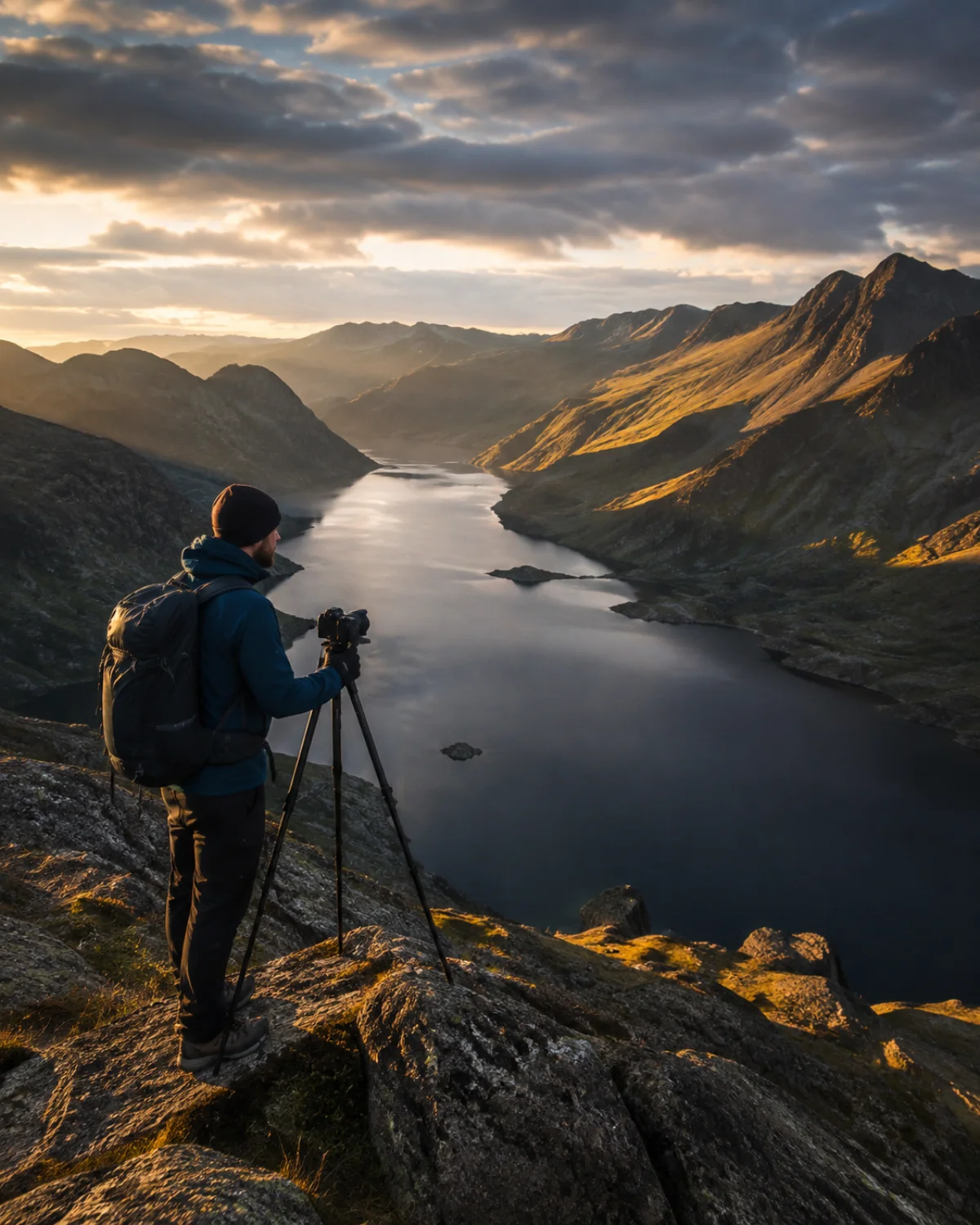
The perfect image is in your mind.ShotPlanner helps you create it.
You do not need to master every technical detail to bring your vision to life. ShotPlanner guides you through planning the light, choosing settings for your equipment and preparing your photograph or video, with clear solutions for the result you want.
Do not let technique stand between your idea and your photograph.
Photography and video · Digital and film Web · iOS · Android
30+
More than 30 tools.
One assistant to bring your vision to life.
Sharpness · Light · Colour Composition · Planning
PHOTOGRAPHY / VIDEO
Tell it what you want to achieve.Discover how to do it.
An image begins before you press the shutter. Planning the moment, composing the scene, deciding what stays in focus, setting exposure and combining colours are all parts of the same intention. Your assistant should help you connect them.
ShotPlanner starts with your intention and your equipment to suggest settings, explain their limits and offer alternatives. From anticipating the light to applying a colour harmony, it does not just show numbers: it helps you decide what to do with them.
You do not need to know everything. You need help connecting the pieces.
01 / YOUR EQUIPMENT
Your camera is not just any camera.Your settings should not be generic either.
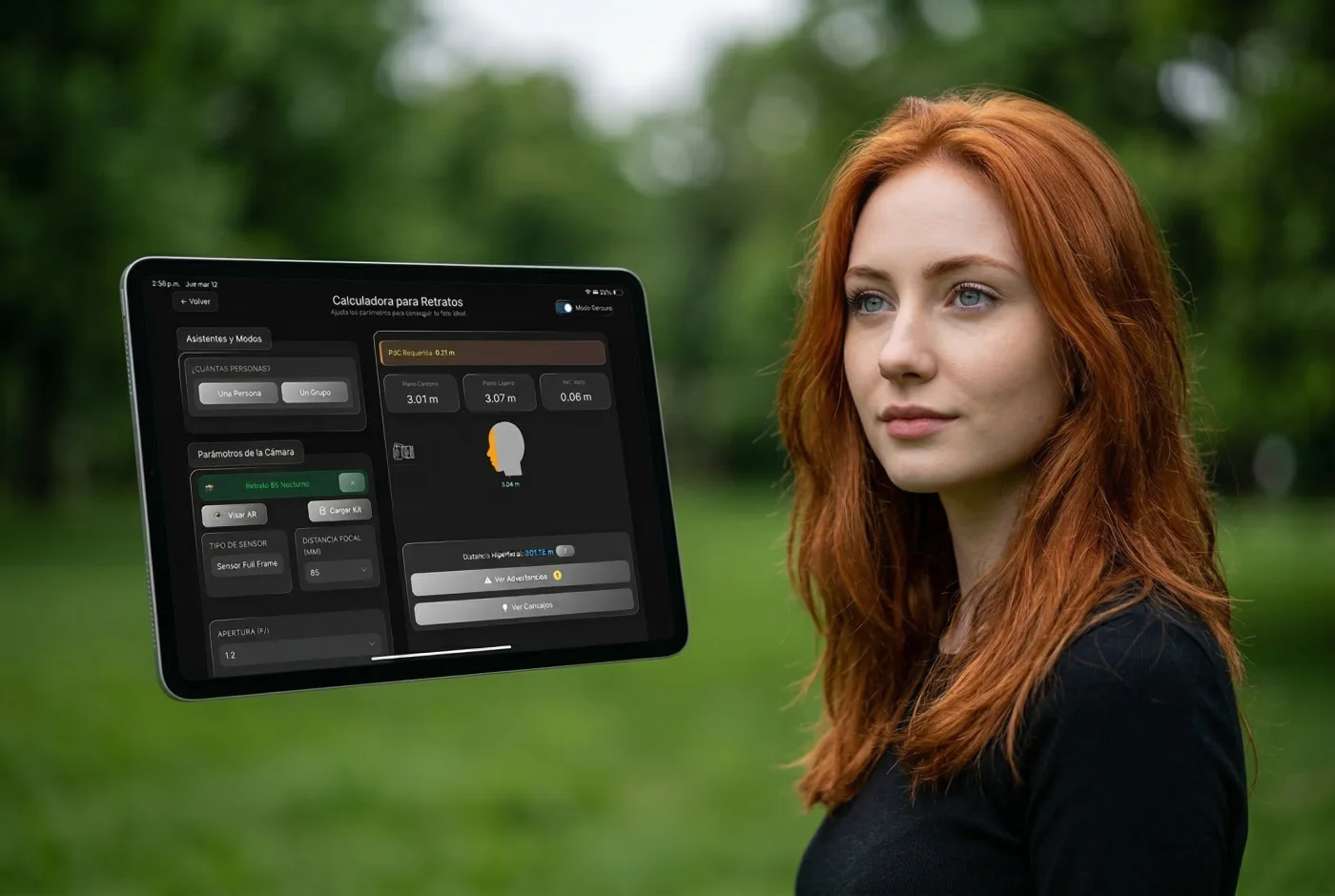
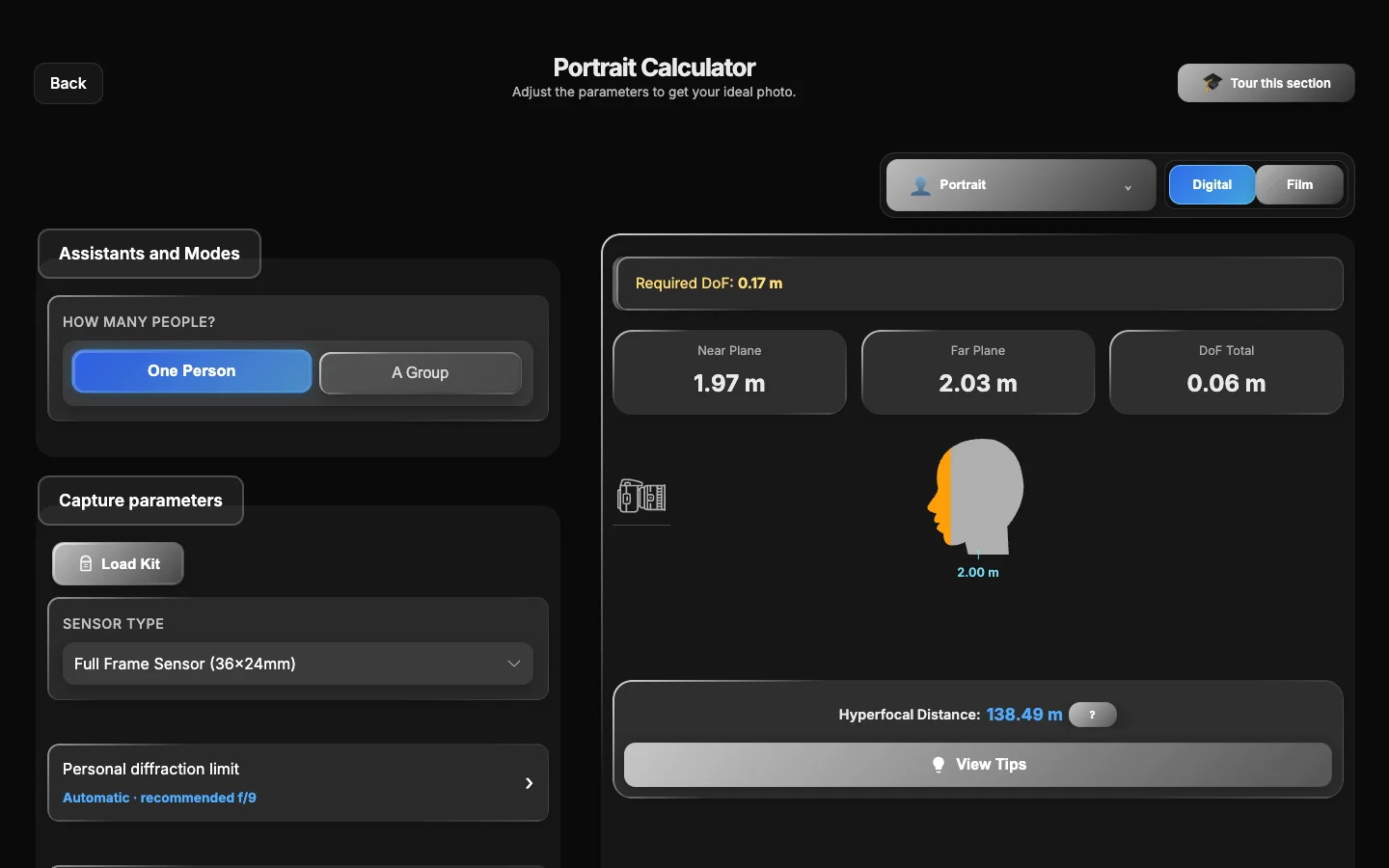
Not every camera needs the same settings. And a portrait calls for a different approach from a landscape or a macro photograph. ShotPlanner Pro uses the characteristics of your camera and lens to offer solutions tailored to your equipment, your type of photography and the image you want to create.
Stop trying random numbers. Discover your alternatives.
Cannot get the entire area you want in focus? ShotPlanner works backwards from your goal: it suggests aperture, focus or distance alternatives while respecting your equipment’s limits.
Choose freely. Understand the consequences.
If an aperture could reduce detail through diffraction, a distance is outside your lens’s focusing range or your settings do not cover the area you want, ShotPlanner warns you. It helps you understand the trade-off and choose how to resolve it.
The calculation is complex. Your experience does not have to be.
Focus calculations and alternatives in ShotPlanner
DIGITAL / FILM
Digital or film.Your way of photographing belongs here.
ShotPlanner supports both digital and film photography, with calculations that respect the characteristics of each medium. Film is not a digital sensor, and your decisions deserve guidance designed for it.
With film, every frame counts.
Prepare focus, depth of field and exposure before you shoot. Understand your equipment’s limits and discover alternatives that bring you closer to the image you want. Avoiding technical mistakes can also mean fewer wasted frames and better use of your investment in film and processing.
Keep the magic of film. Reduce uncertainty and costly mistakes.
135 / 120
Digital and film. Two media. The same intention to create.
02 / 10 TYPES OF PHOTOGRAPHY
Not every image is made the same way.Your assistant takes that into account.
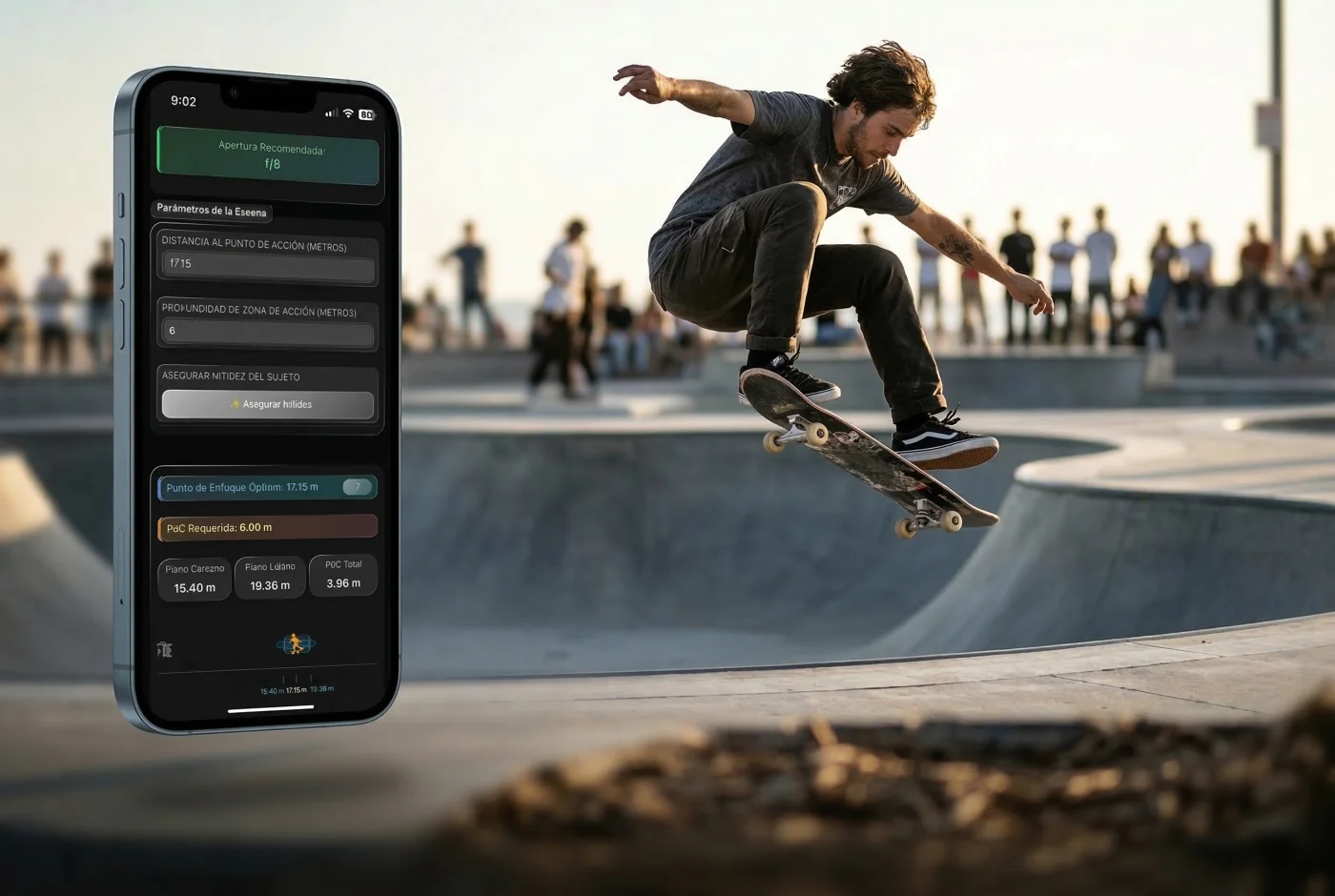
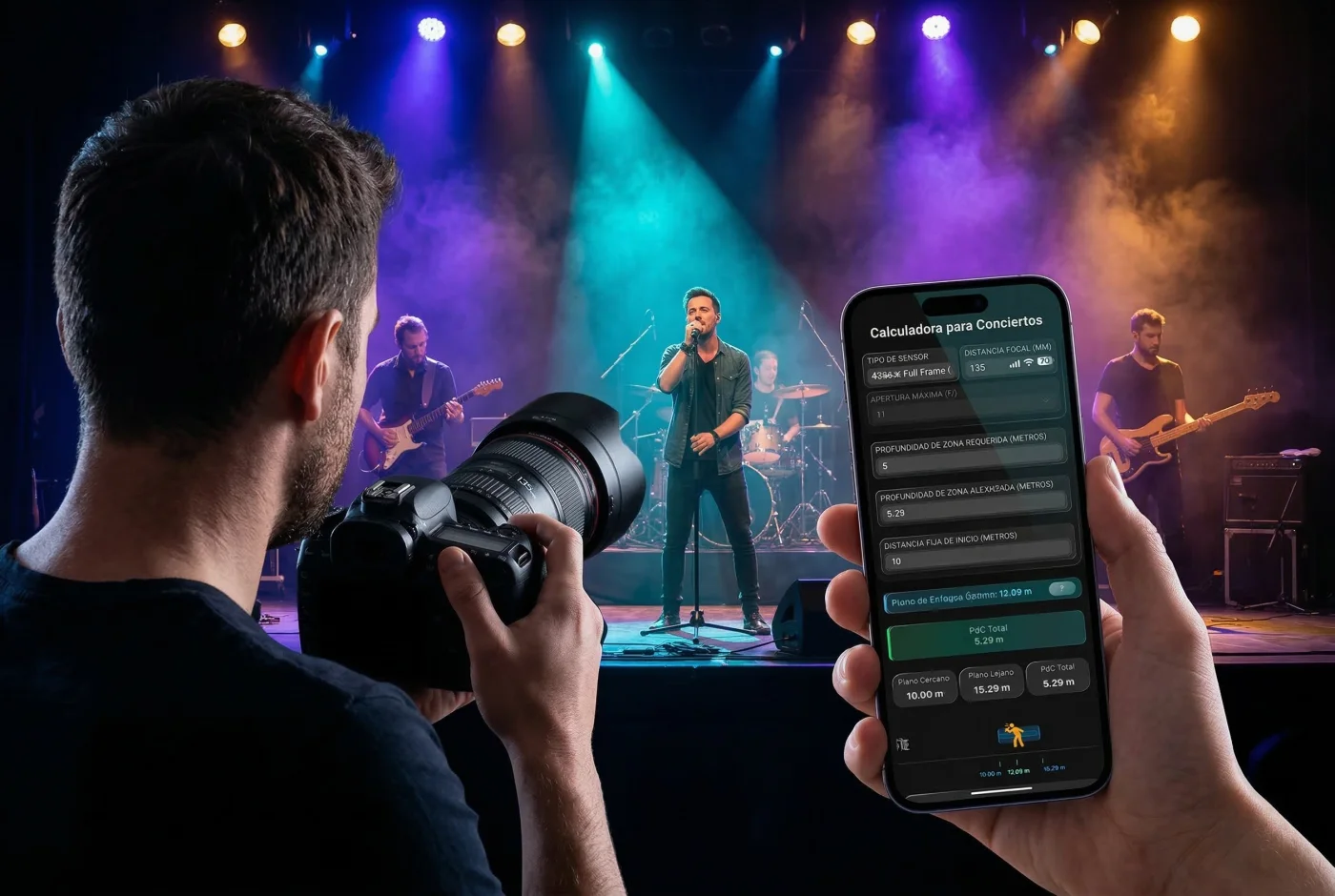
In a portrait, the eyes may matter most. In macro, a few millimetres change what stays in focus. At a concert, whether you can move—or cannot—changes the solutions available.
ShotPlanner adapts its questions, calculations and recommendations to each type of photography. It helps you solve your scene rather than forcing you to translate it into a generic calculator.
You do not need to learn another calculator. You need to figure out your next photograph.
Portrait
Action
Concerts
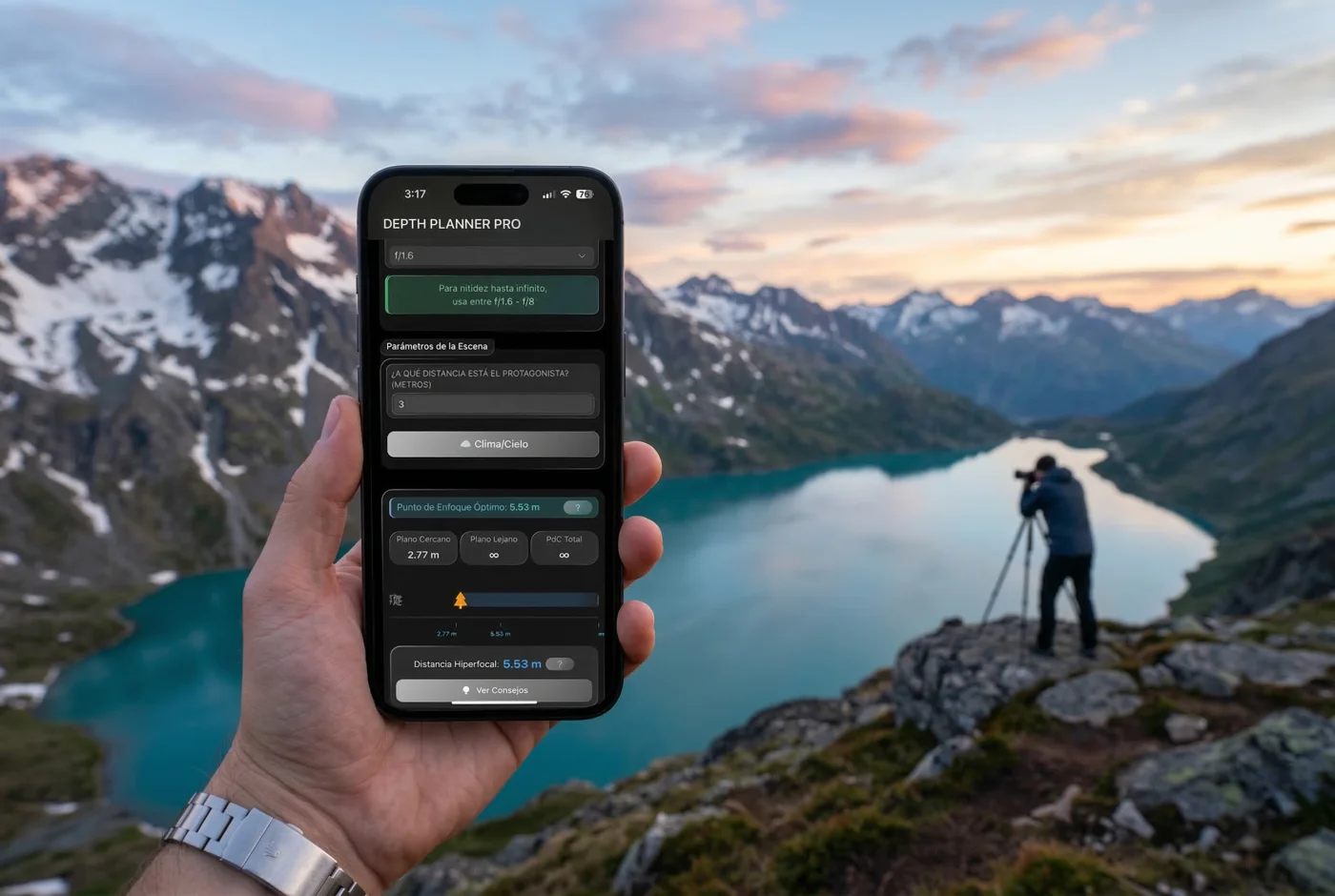
Landscape
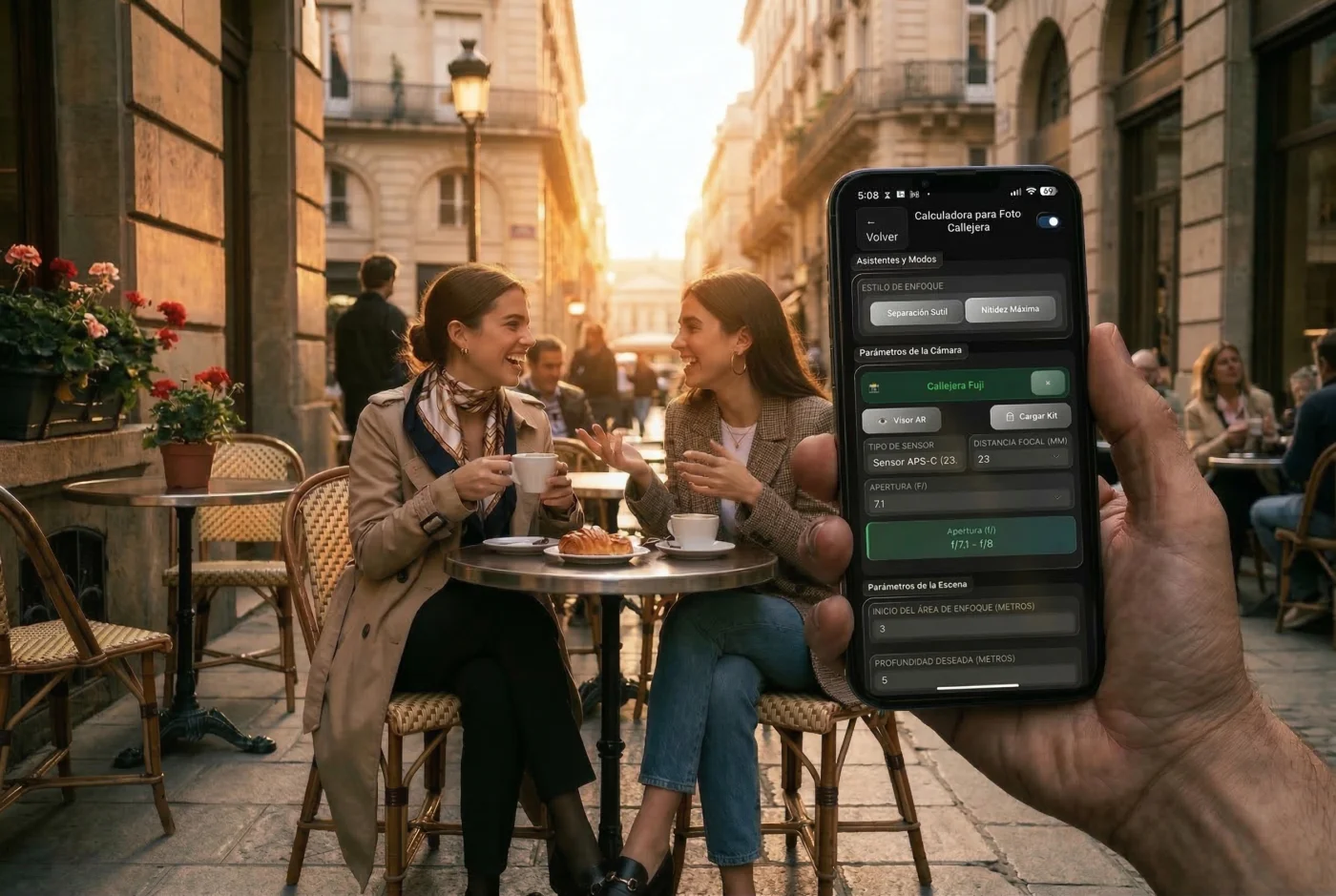
Street
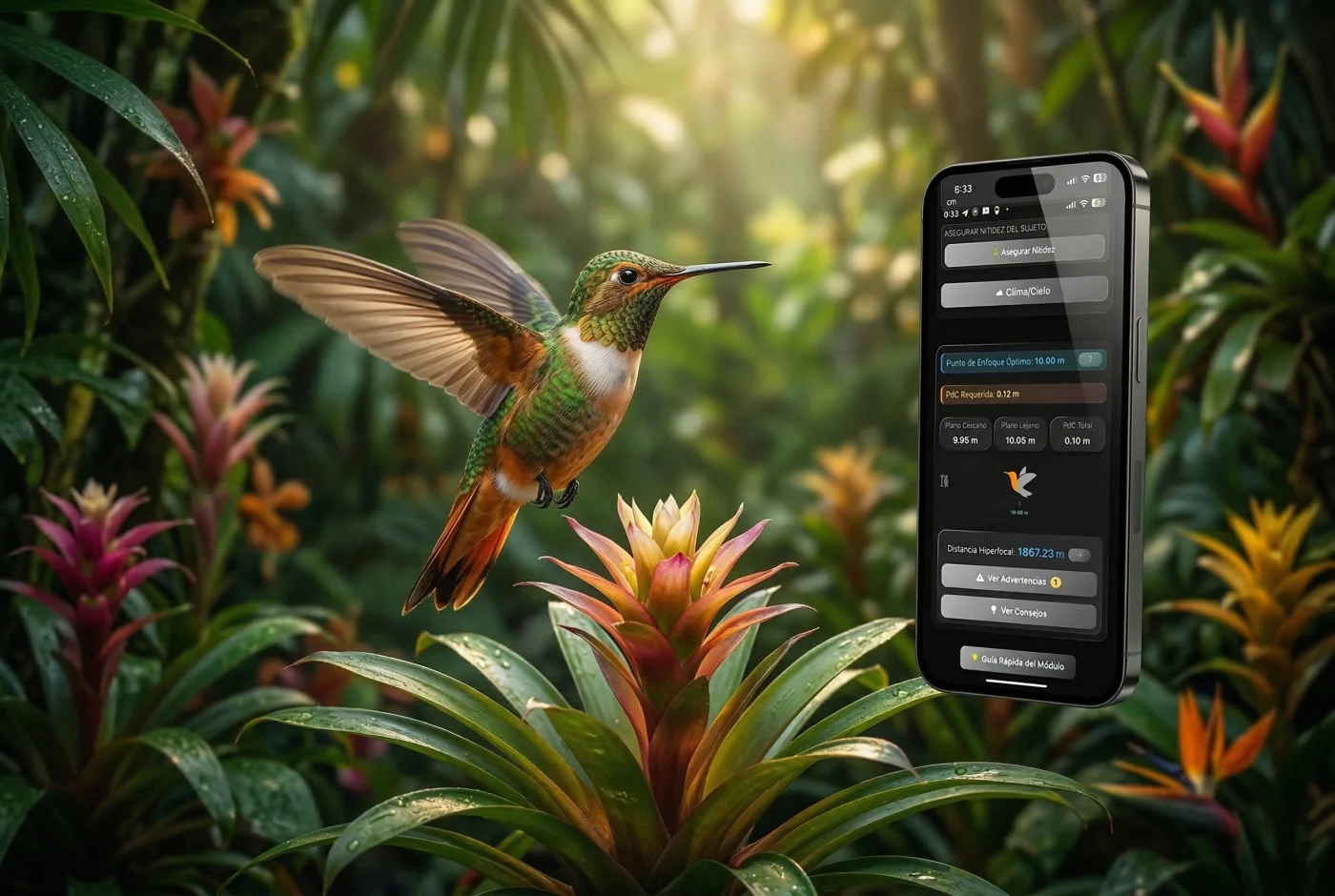
Nature
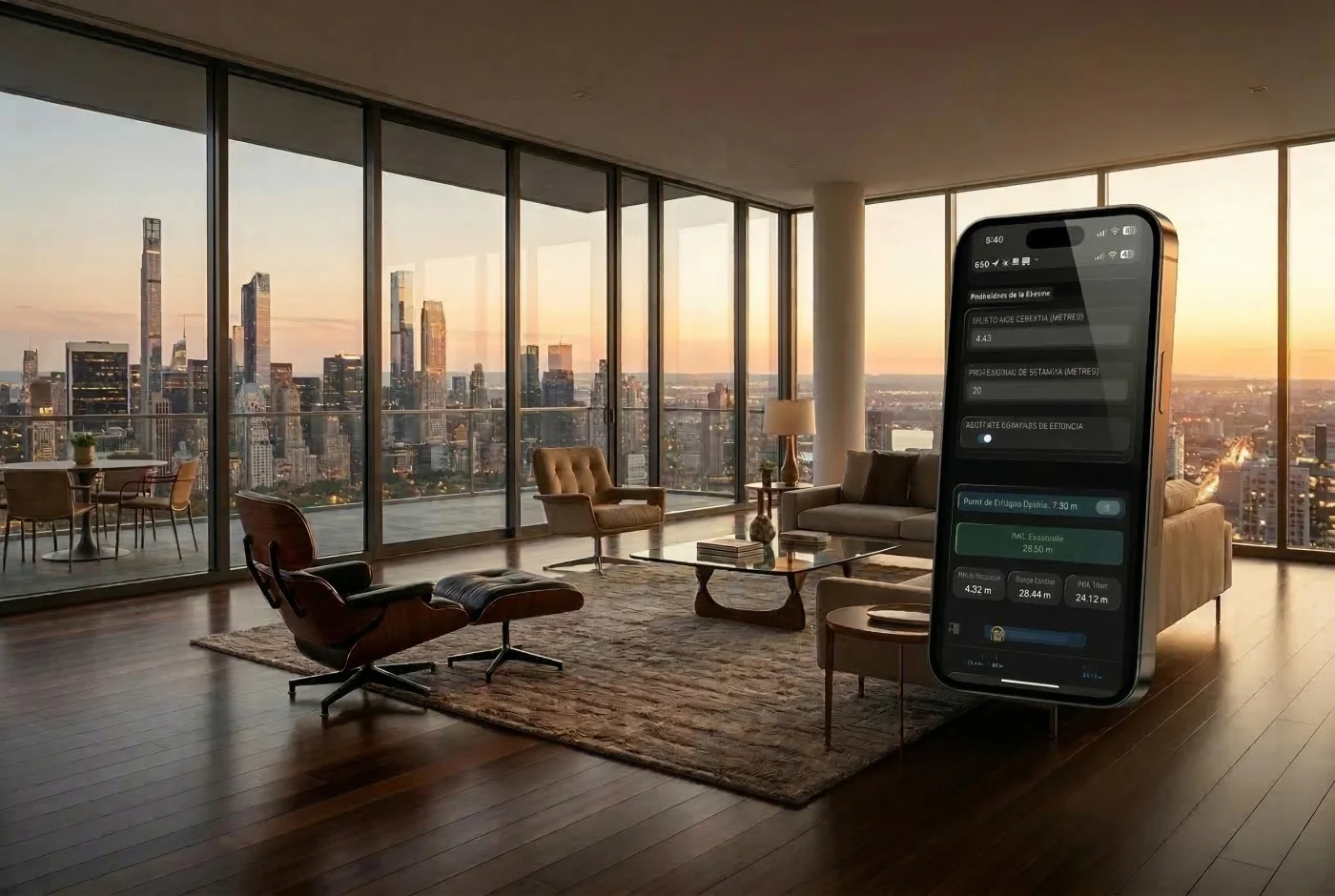
Real estate
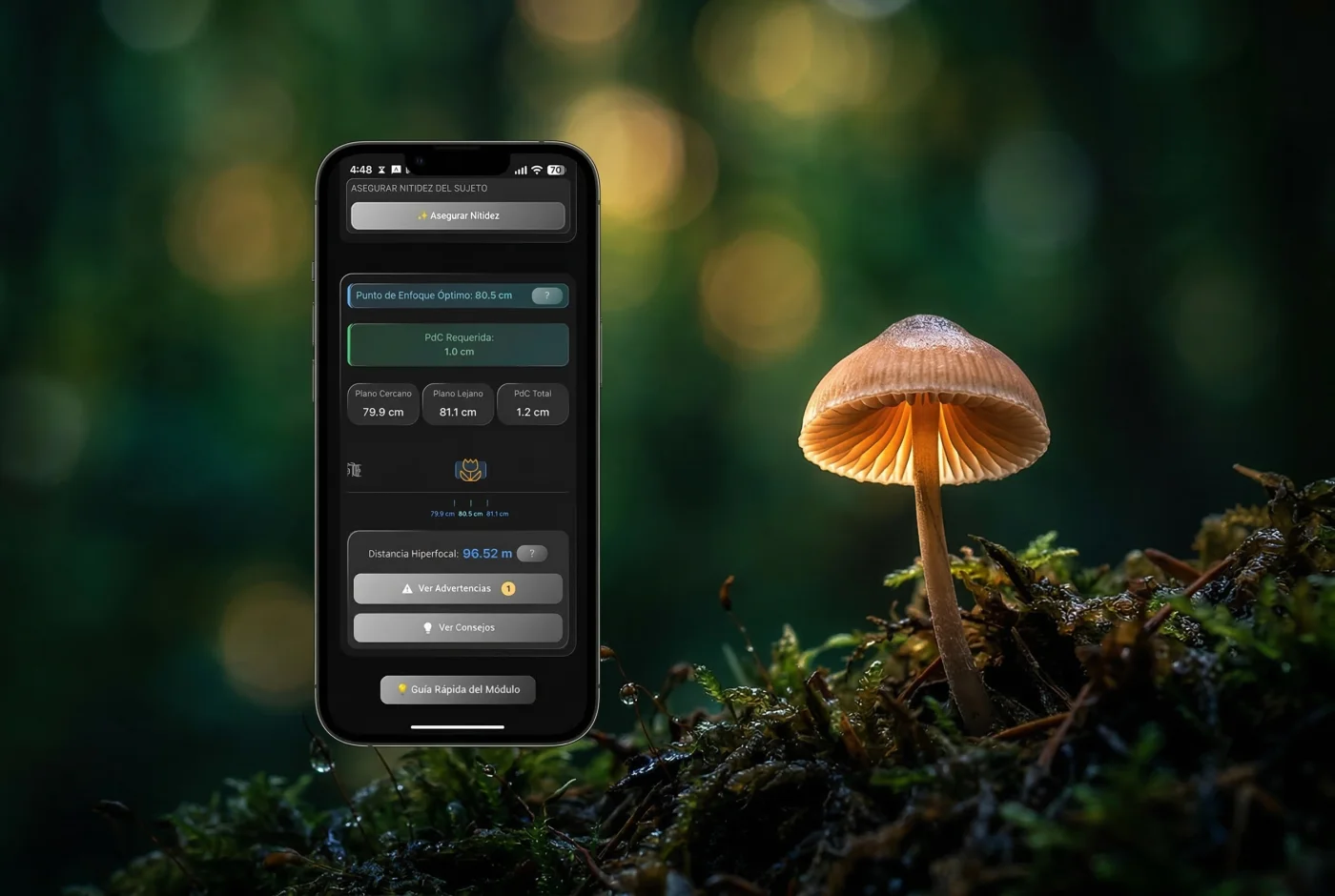
Macro
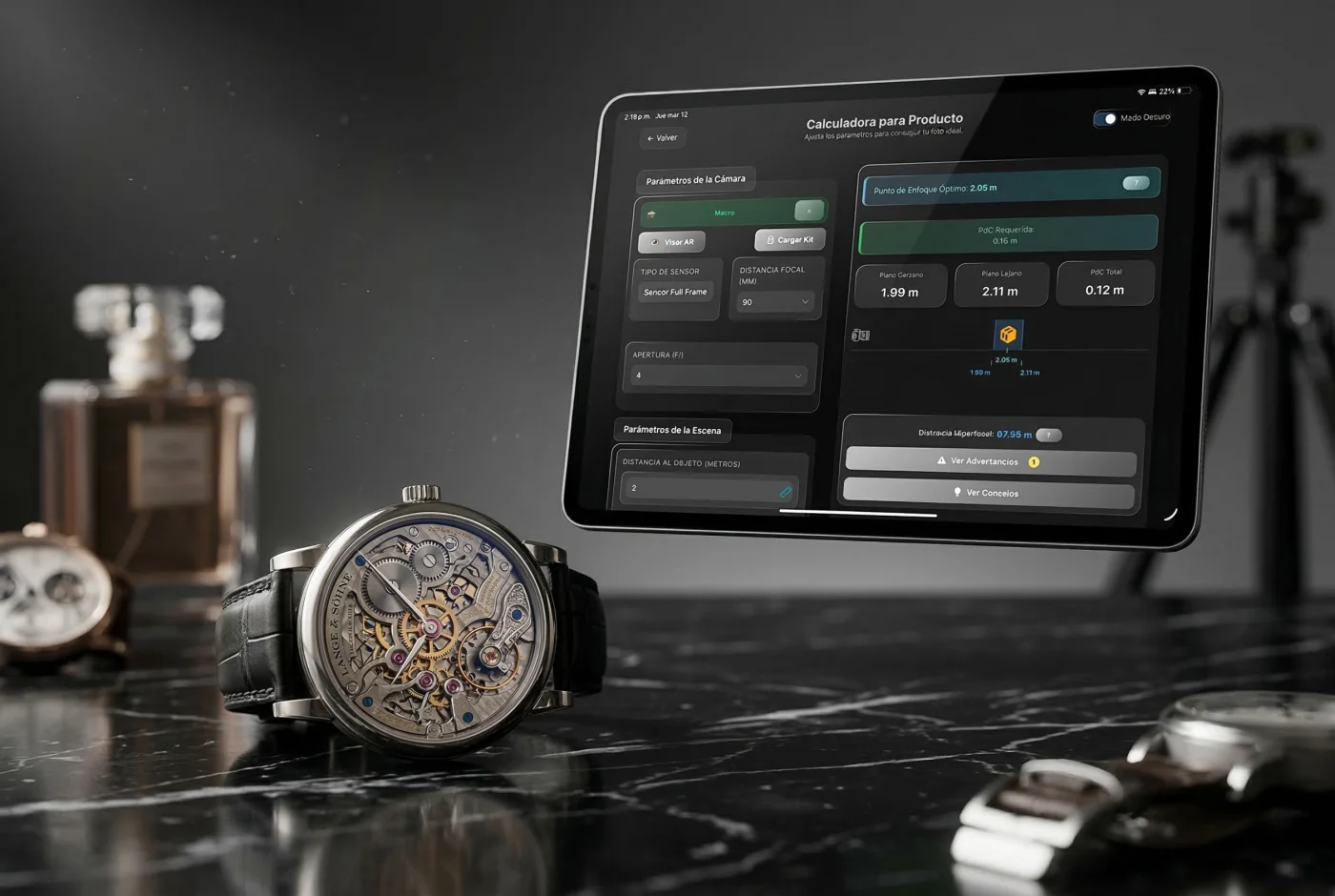
Product
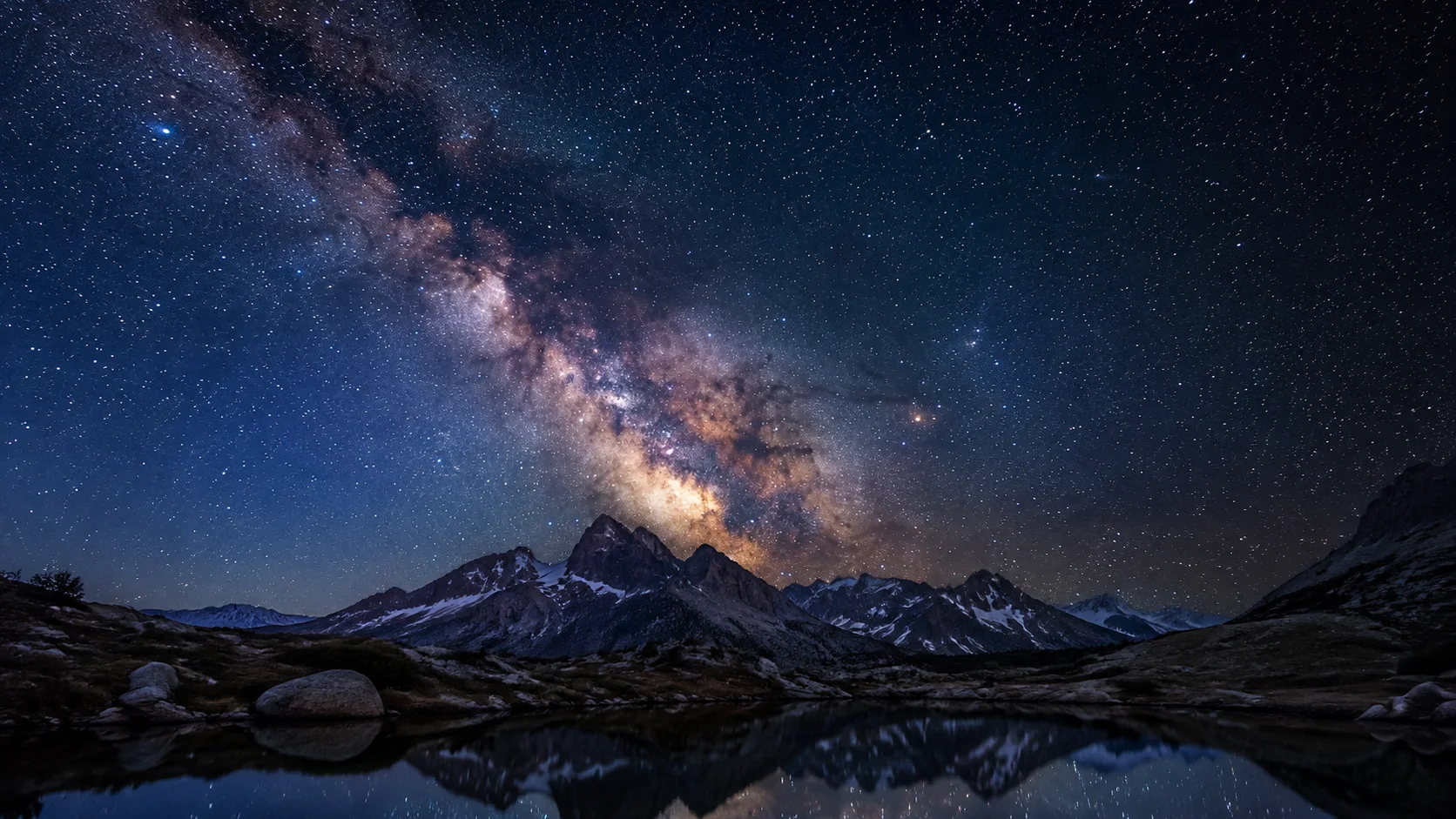
Astro
You also have the generic ‘Other’ module. Focus Stacking and Time Lapse are additional features.
03 / PLANNING
Make your first visitmore than a missed opportunity.
You imagined the photograph, packed your equipment and reached the location… but the light is wrong. The Sun is on the wrong side, or a shadow covers exactly what you wanted to photograph.
Is your shoot in two weeks or in two hours?
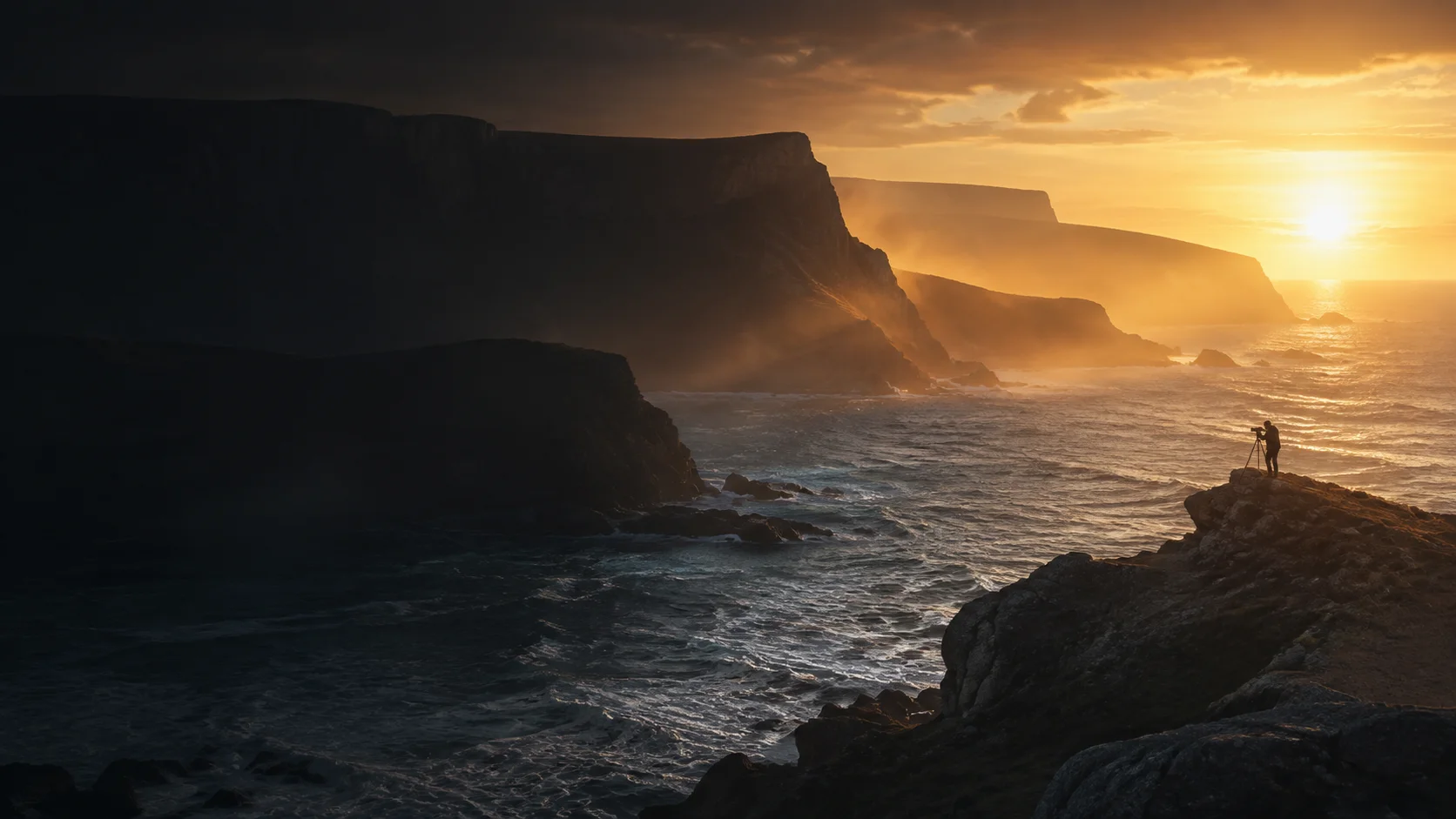
ShotPlanner helps you anticipate the Sun’s position, shadows, golden hour and blue hour so you can choose when to go and prepare your framing—even if you have never been there.
And if your photograph begins when the day ends, plan the night too.
Check the Moon’s phase and rise and set times, explore the celestial targets you want to photograph, and prepare your astrophotography session for your location, date and equipment.
You do not need to know the place to arrive with a plan.
Complete your planning with the weather forecast when it becomes available for your date.
Anticipate your first visit
04 / ASTRO
The sky puts on the show.Do not let technique become the barrier.
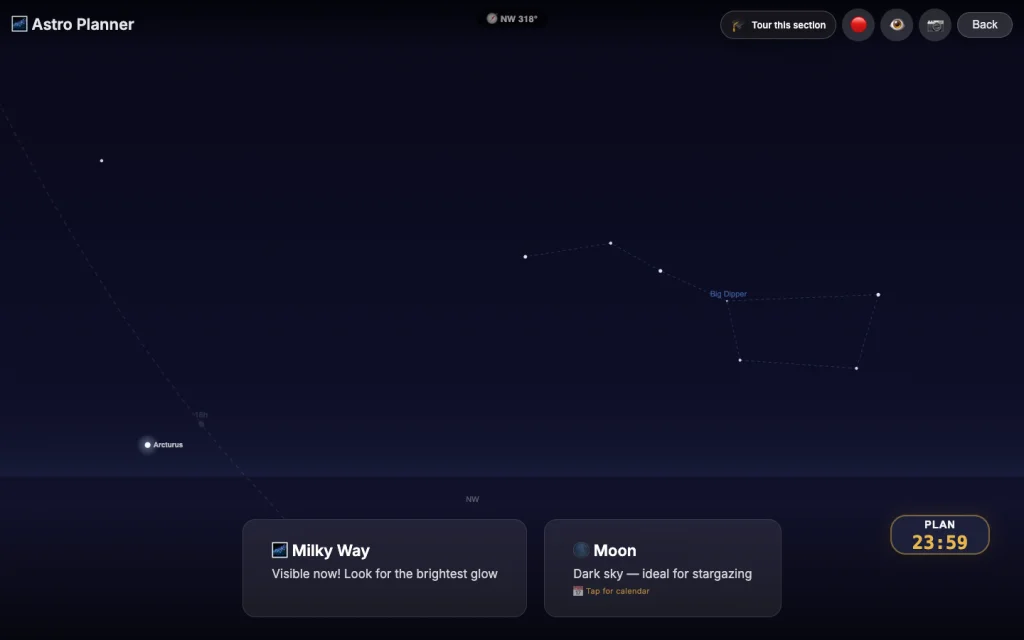
A night landscape with the Milky Way. Trails that reveal the Earth’s rotation. Or stars as sharp points. You choose the image. ShotPlanner helps you prepare it.
Point your phone at the sky and get a recommended maximum exposure time based on the region you are looking towards and your camera and lens.
Less blind trial and error. You do not need to be an expert to start photographing the sky.
Viewfinder orientation requires a compatible device and the relevant permissions.
Astro LandscapeStar trailsSharp points
Real capture of the app interface
05 / AR VIEWFINDER
Before taking the photograph,start seeing how it could look.
Explore your framing with ShotPlanner’s AR Viewfinder. Preview the angle of view for your selected focal length and discover which focal length could work best for the scene.
Think about where you will show your image too.
Try different formats or create your own to anticipate what will fall inside and outside the frame. Posting a 3:2 photograph in 4:5? Prepare your composition with that crop in mind.
The guides help you. Your eye decides.
Use guides such as thirds, the golden ratio and Fibonacci to arrange elements with intention. When colour is distracting, switch to black and white to assess highlights, shadows and contrast.
Open the viewfinder from the photography assistants and Astro Planning, keeping composition connected to your shooting preparations.
Choose the focal length. Prepare the format. Strengthen your composition.
4:53:2
Format and composition example · editorial image, not an app screenshot
06 / LIGHT METERING
It is not just about knowing how much light you have.It is about knowing what to do with it.
ShotPlanner turns your phone into an assistant for understanding and preparing your lighting. It measures continuous light with a compatible device and helps you relate aperture, ISO and exposure time for your photograph or video.
Working with several lights? Record your sources, choose one as a reference and check their relationships. Then take the set into Studio to prepare your lighting diagram without leaving the app.
From understanding light to giving it intention. With ShotPlanner.
Zone EL and a simulated grey card complement exposure planning. Mobile metering depends on the device and is not equivalent to a calibrated instrument.
CONTINUOUS LIGHT
ISOƒ1/s
One reference light. Several sources. One diagram.
That colour that inspires youcould be the beginning of your next image.
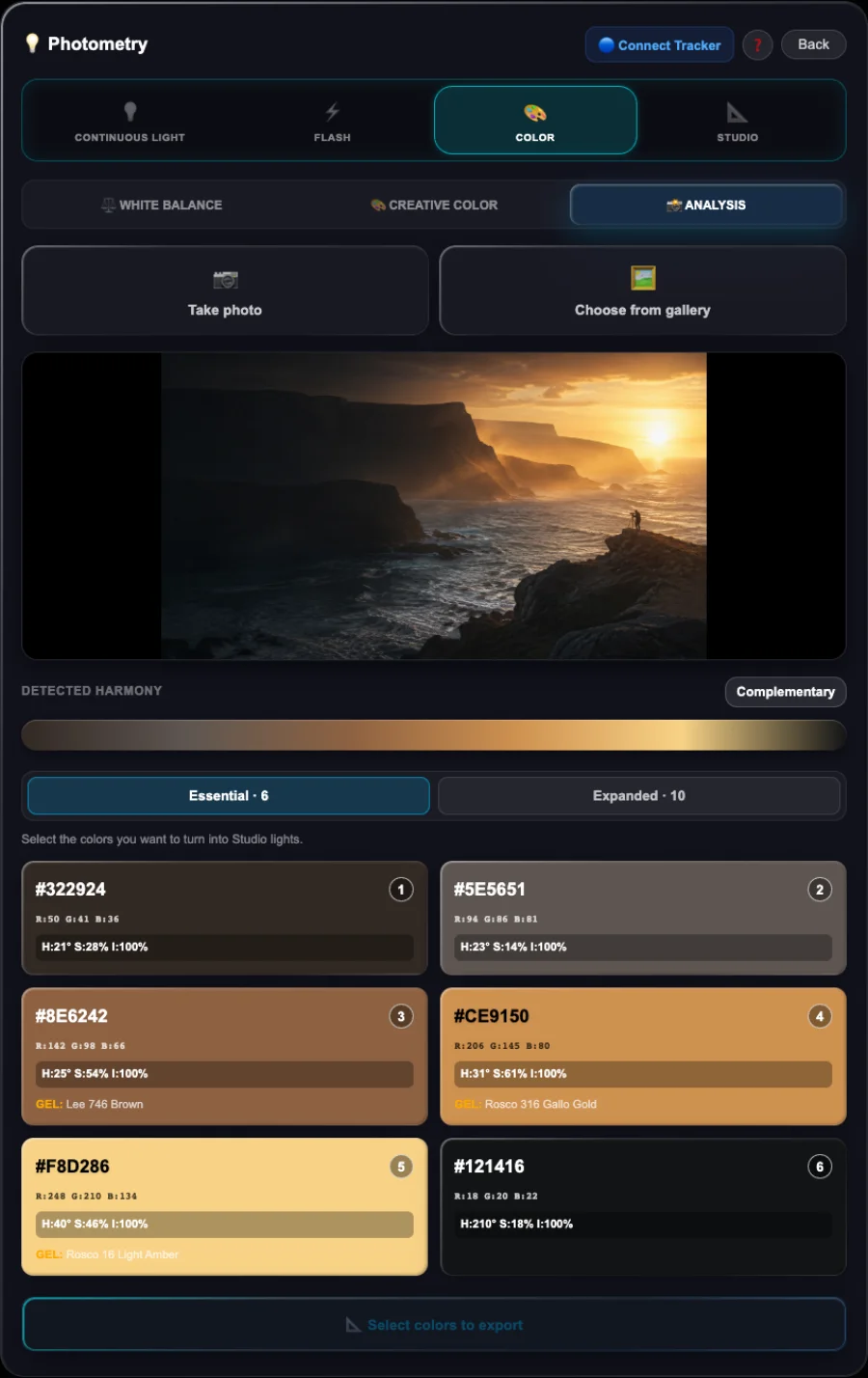
Load a photograph into ShotPlanner and discover its palette. Choose the colours you want to bring into your creation and check their RGB values or approximate commercial gel equivalents.
Choosing colours is not enough. How they look together matters too.
Two colours with the same saturation value can feel very different. ShotPlanner provides indicative values and adjustments to balance their chromatic intensity, not just a list of colours.
Then turn them into light sources and take them into Studio to prepare your own lighting.
Do more than find inspiration. Discover how to work with it.
Actual analysis of our editorial coastal image
08 / CREATIVE COLOUR
Colour tells your story too.Give it the intention you imagine.
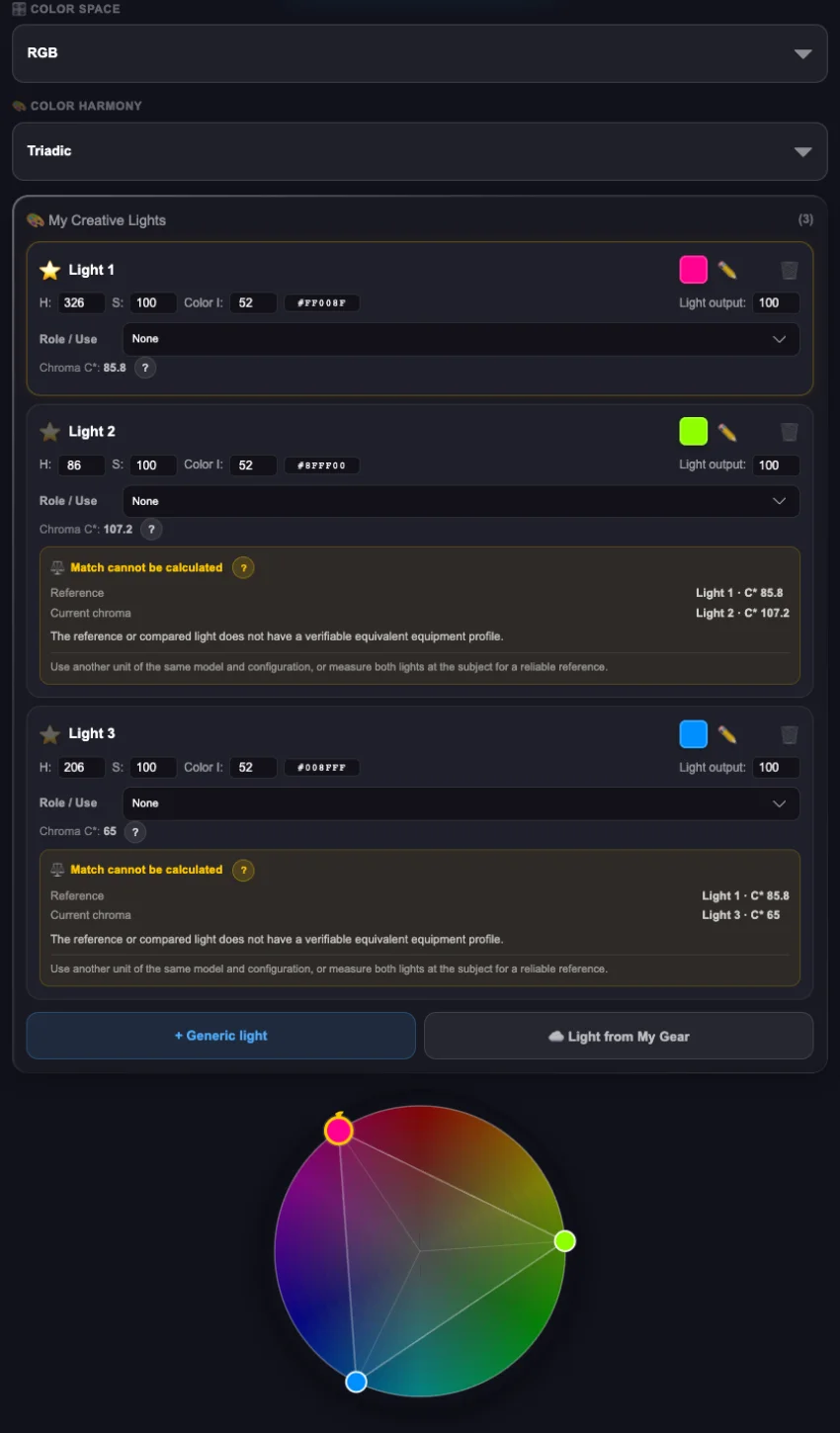
Looking for colour contrast or the continuity of an analogous harmony? ShotPlanner helps you build a harmony that serves what you want to express.
Choose the harmony and your main colour. The app suggests the colours that complete it, their values and indicative adjustments to balance their chromatic intensity. You do not need to master colour theory to start applying it.
Then prepare your selection with RGB values or approximate commercial gel equivalents and take it into Studio to create your lighting.
From what you want to express to the colours that can express it.
Creative Colour · harmony and chromatic values
09 / STUDIO
Give every light a purpose.And your idea a diagram to bring it to life.
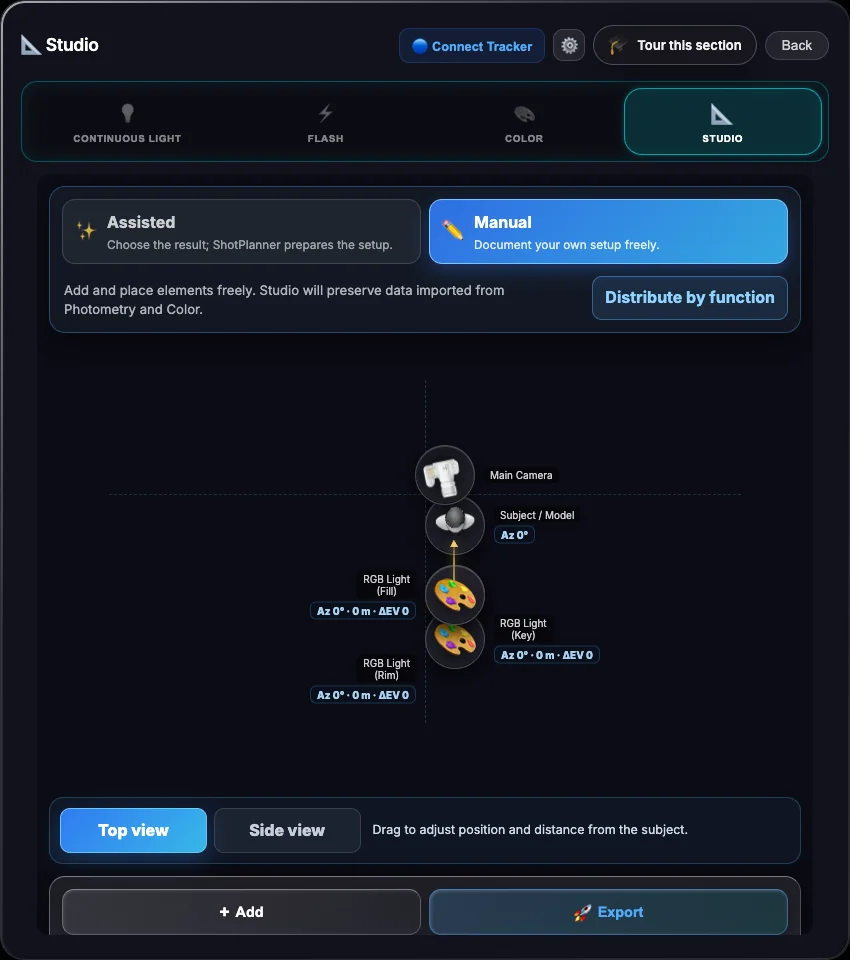
Bring your lights and colours into ShotPlanner Studio. Build freely in Manual mode or let Assisted mode guide you as you prepare the placement and role of each source.
Save your diagram, settings and notes to retrieve them whenever you need and use them as a guide to reproduce your lighting.
Studio lighting does not have to be difficult. ShotPlanner guides you so you can focus on creating.
Studio · light source placement
10 / FOCUS STACKING
When one shot is not enough,prepare the shots you need.
In macro, real estate and other scenes with shallow depth of field, stopping down further can reduce detail through diffraction without bringing the whole area you want into focus.
Choose your approach: by aperture or by number of images.
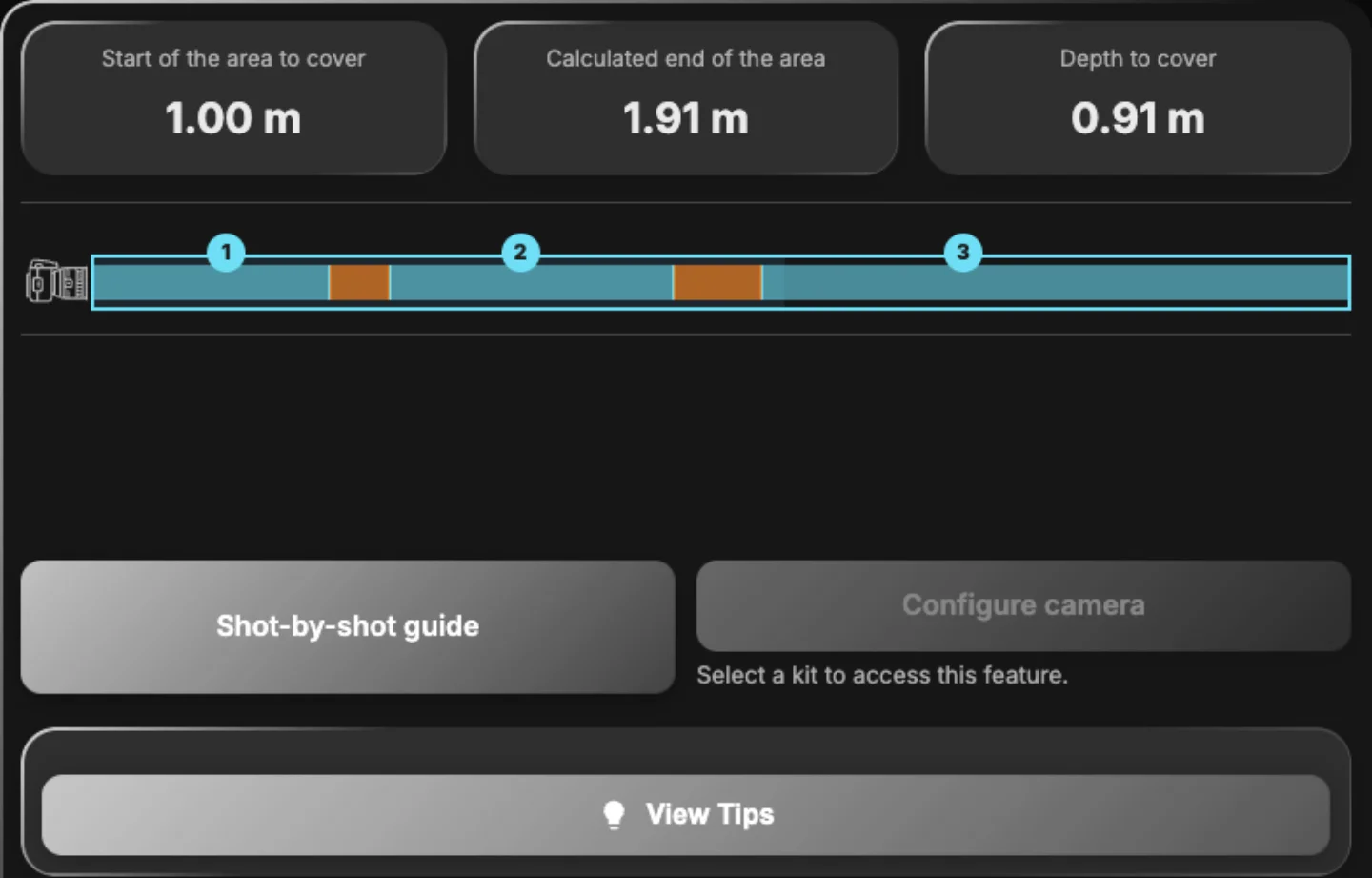
Want to use a particular aperture? ShotPlanner calculates the shots needed to cover the area you want sharp. Prefer to start with a number of photographs? It helps you find the aperture for that coverage, respecting your equipment’s limits and warning about possible diffraction trade-offs.
Prepare focus positions and overlap between shots so you can combine them later in stacking software.
A seemingly complex technique, explained one shot at a time.
Focus Stacking · shot planning
11 / TIME LAPSE
Imagine your Time Lapse.ShotPlanner helps you prepare the sequence.
Do you know how long you want your video to be, or how much time you have to capture it? Start with either option.
ShotPlanner relates duration, interval and number of photographs to help you organise your Time Lapse. Check estimated storage and technical warnings before you begin.
The scene provides the movement. You decide how to tell time.
The passage of time
WEB / iOS / ANDROID
Prepare it at your own pace.Take it with you when the moment comes.
Organise your equipment, plans, checklists and lighting diagrams in ShotPlanner on the web, iOS or Android. Keep them synchronised with the same Google account to continue on another device.
Plan on your desktop and use your phone to consult what you prepared for your shoot.
Changing screens should not mean starting over.
EquipmentPlansChecklistsLighting diagrams
WEB ↔ iOS ↔ ANDROID
SHOTPLANNER ACADEMY · IN PREPARATION
Your next tool is learningto make the most of the ones you already have.
We are preparing ShotPlanner Academy: a complete course to get to know the app, understand how its tools connect and use them in your own shoots.
Practical tutorials will follow, exploring its possibilities through real photography and video situations.
More than knowing each function. Learning when and why to use it.
In preparation
SHOTPLANNER PRO
The image is in your mind. Start bringing it to life.